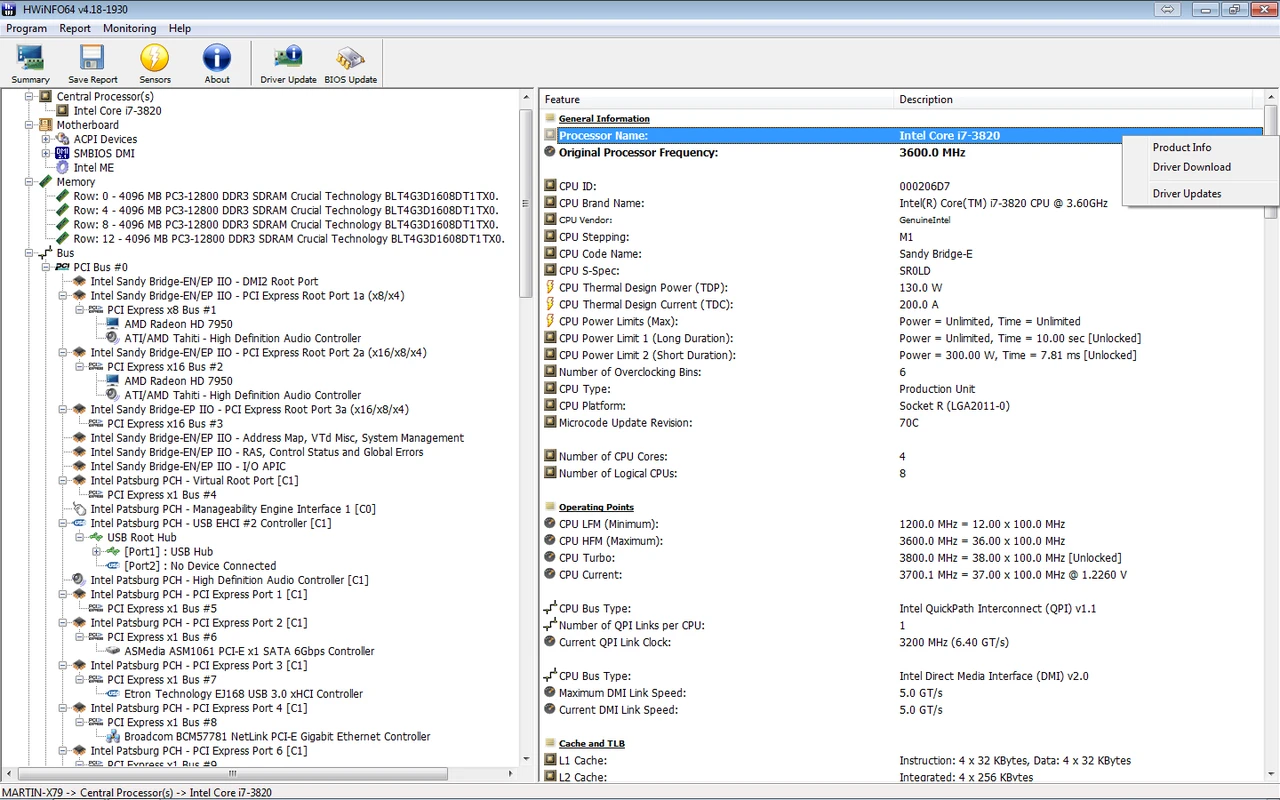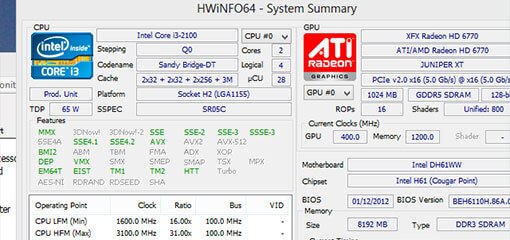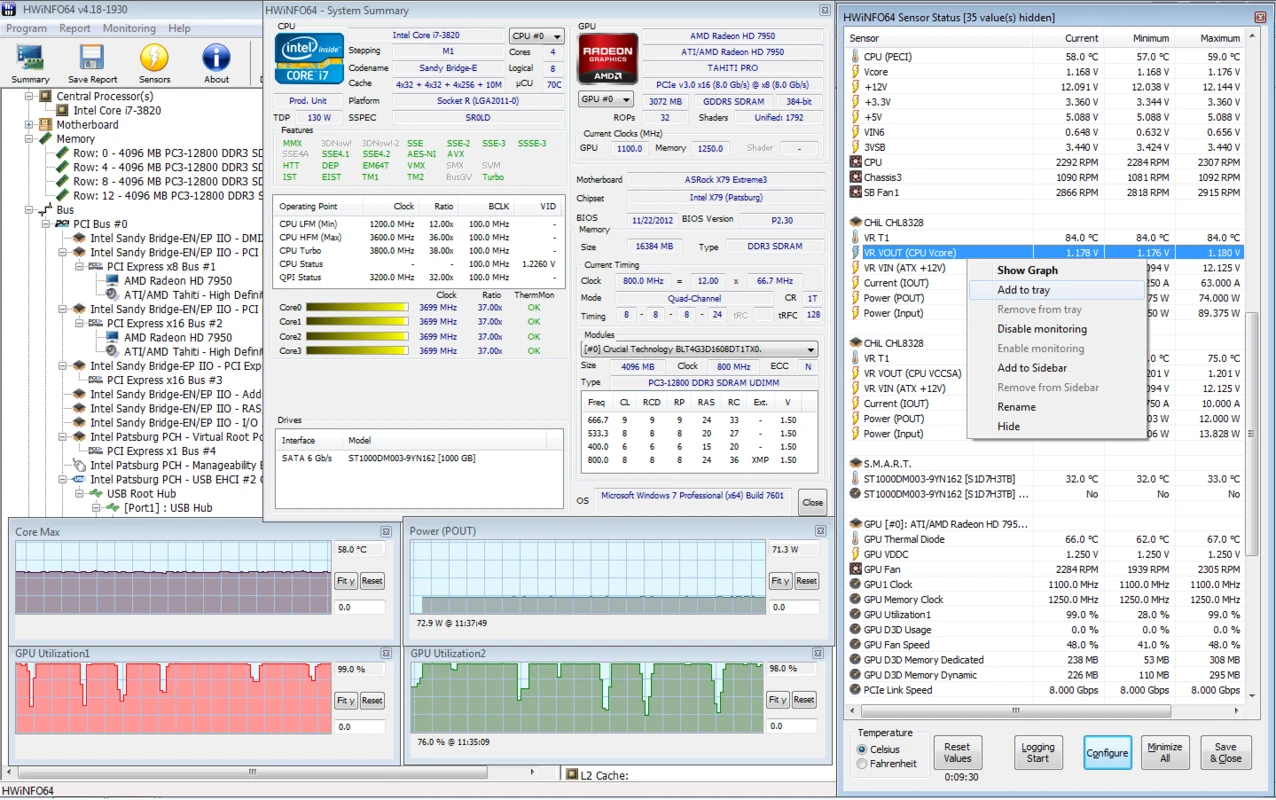
Detailed Hardware Inventory
Begin with a concise summary and expand into every installed component. Sensor definitions stay aligned with current platforms and standards.

Deployed to monitor systems under high radiation exposure. NASA documentation referencing HWiNFO includes:






Lansweeper inventories your full IT environment. Combine it with HWiNFO to capture deep sensor telemetry from every Windows endpoint.
Start evaluation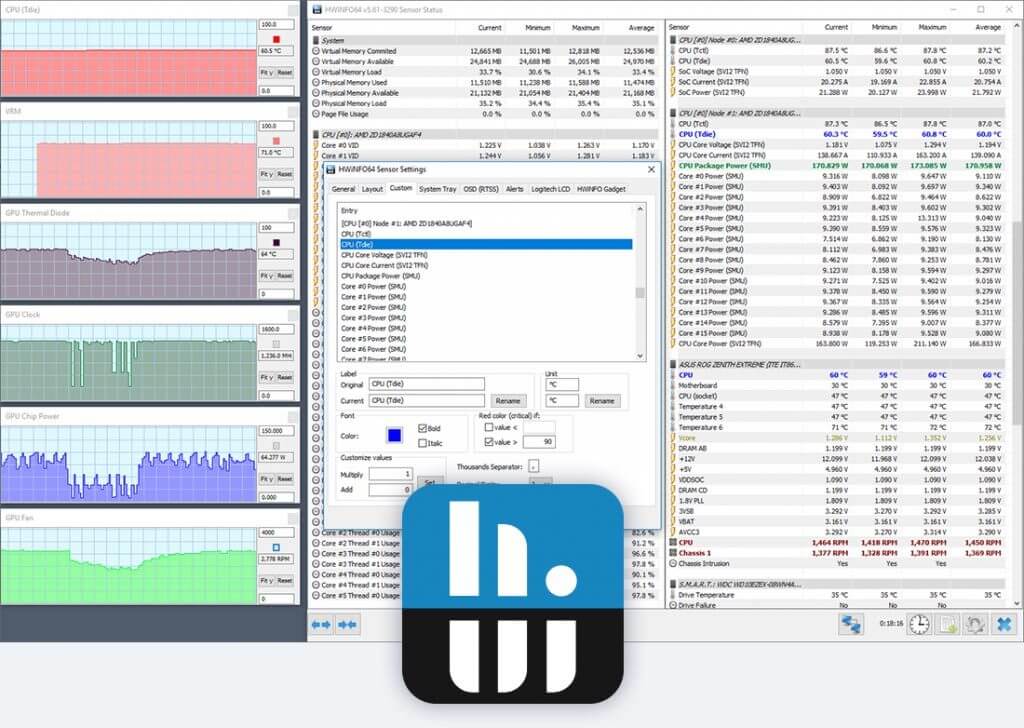
Begin with a concise summary and expand into every installed component. Sensor definitions stay aligned with current platforms and standards.

Monitor component health with precise readings for stability testing and early fault detection. Flexible layouts with intentionally low overhead.

Produce status logs, structured reports, and integrations with external utilities. Export results as CSV, HTML, JSON, or YAML.

Used by enterprises, OEM partners, and component vendors worldwide. Built to return consistent, verifiable hardware intelligence.

HWiNFO does not gather personal data and transmits nothing over the network unless you enable email alerts or Pro remote monitoring.

Regular releases extend support for new silicon and sensor interfaces. Version 8.52 adds NVIDIA Blackwell Hot Spot, GDDR6X VRAM temps, and Razor Lake AX support.
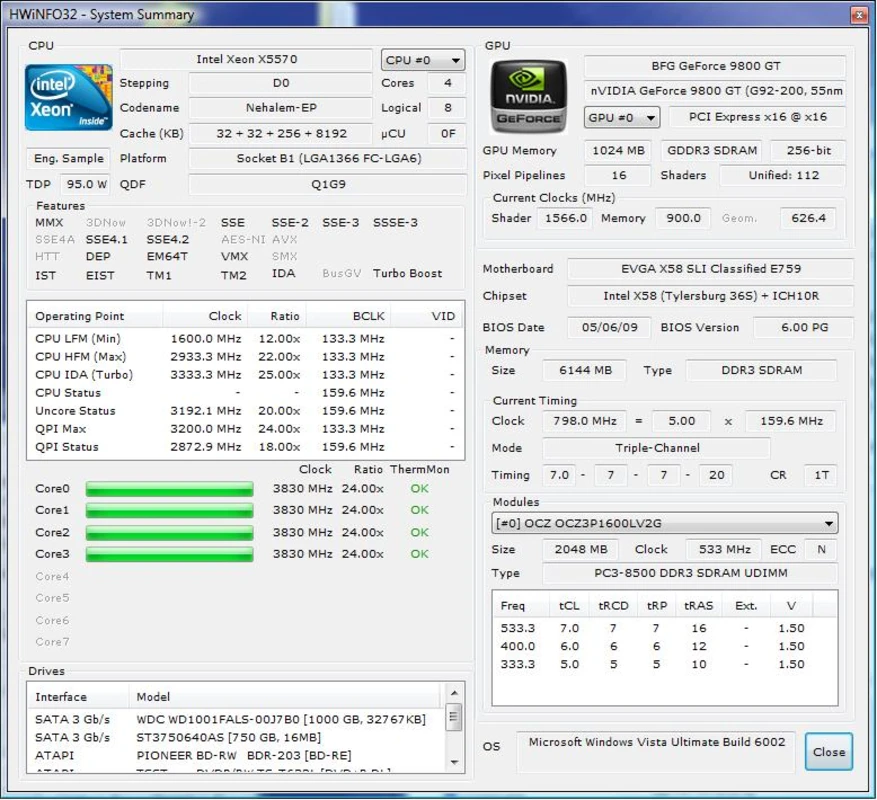
HWiNFO delivers one of the deepest Windows hardware inventories available—CPU microarchitecture, memory SPD timings, PCIe link speeds, BIOS revisions, and SMART storage health in a single structured view.
Live sensor panels report temperatures, voltages, fan speeds, and power draw with min, max, and average columns. Reset counters before each run to preserve clean diagnostic records.
View feature details →
"The Most Comprehensive System Audit Tool I've Ever Seen."
Questions about sensors, licensing, or download verification? Review our guides and FAQ, or consult the trust and security dossier before installing HWiNFO 8.52.